







Tabii - Your Image Collection Desktop Pet

 Download for Mac
 Download for Windows
Tabii desktop works standalone—mainly for collecting images. Install the Tabii browser extension to organize web links.

See it. Save it. Spark it.
Capture every spark from the web — drag images, tabs, or full pages into your board. One-click save the clutter, fuzzy-search to recall instantly. Let inspiration accumulate, not slip away.
Capture every spark. Stay focused in Immersive Study Room.




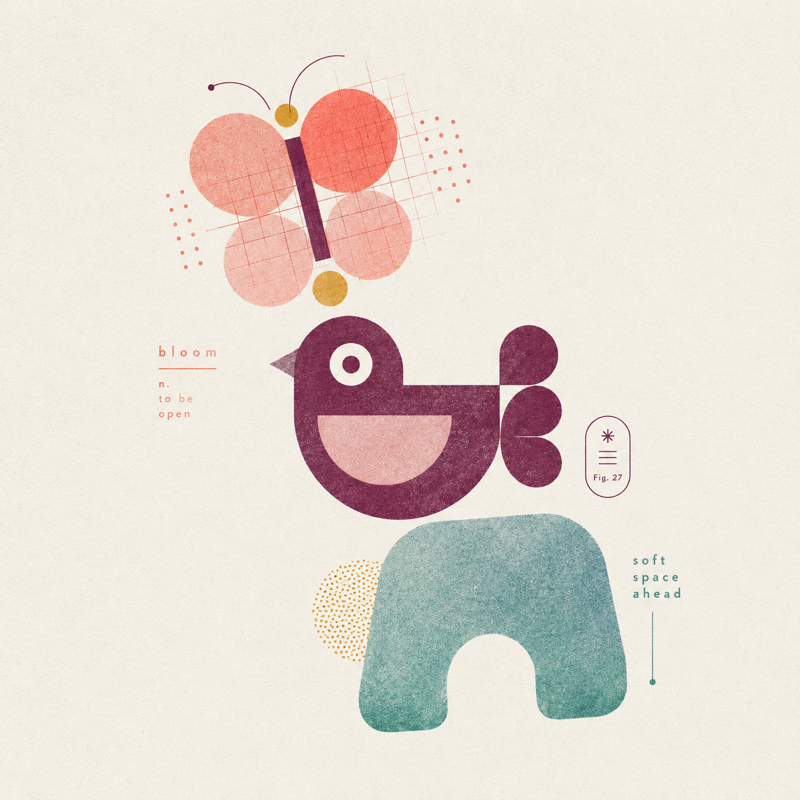



Every spark deserves to stay.
Gently drag images from any webpage into Tabii,
and let scattered inspiration settle into a library that is uniquely yours.


Say Hi to the Pet
Before the formal character introductions, here's a look at the basic interactions of your desktop pet. Drag, pet, or click any responsive element to see how it shifts expressions, motions, and moods. These instant reactions turn the pet from a static figure into a living, responsive companion.
Drag or pet the companion below to interact.
Tap the avatar to see its intro~








A Playful Pet Merch Lab
Starting from Tabii pets, we’ve spun up a few fun side projects —
folder skins, wallpapers, and more. Stay tuned.
Tabii is more than pets. Folder skins, wallpapers, and more coming soon~


What is Tabii
Tabii (tabiiclean) is a desktop image collector for Mac and Windows, and a cute desktop pet companion for saving inspiration. Use it as a desktop pet, image collection app, visual bookmark tool, and lightweight image-saving companion: save web images, screenshots, and design references as visual cards, then revisit them locally. Add the Chrome / Firefox extension when you also need link and tab organization.
Core capabilities
Drag web images into a card wall, collect and review inspiration on Mac or Windows desktop, optionally organize tabs and links with the browser extension, and fuzzy-search your library fast. Leo the desktop pet is a light work companion that keeps collecting warm without getting in the way.
Who it is for
Built for designers, creators, product folks, and anyone browsing design cases, product pages, or inspiration boards. If you are looking for desktop pet software, a Mac/Windows desktop pet, an image collector, a visual bookmark workflow, or a lighter alternative to Eagle / mymind-style inspiration tools—and want the pet to do more than decorate—Tabii connects companionship with saving visual cards.
Common scenarios
Drag-save images while browsing, turn screenshots into a visual card wall, manage design references with a desktop image collector, and use the browser extension for tab organization when needed. Whether you need Tabii download, Mac download, Windows download, a cute desktop pet, a screenshot-card workflow, or an Eagle / mymind alternative for everyday collecting, start from the matching pages on this site.
Compared with Eagle and mymind
People often search for Eagle alternatives, mymind alternatives, inspiration collectors, and lightweight image-saving tools. Tabii focuses on a lighter desktop workflow: drag-save web images, organize screenshot cards, revisit inspiration locally, and keep a cute desktop pet nearby. It is not trying to be a heavy asset library—it is for faster everyday collecting with more companionship.
FAQ
Is Tabii a desktop pet or an image collector? Both: the main line is desktop image collecting, with the pet for companionship. Can it work as a lighter Eagle / mymind alternative? If you mainly need web image saving, screenshot cards, and visual inspiration boards, yes. Can you use Mac/Windows desktop alone? Yes. Do you need the Chrome extension? It is an optional web entry; desktop plus extension is the full experience.
